Step-by-Step Guide to Embedding Power BI in ASP.NET Core Blazor Applications

Gulab Chand Tejwani
PMP · PL-300 · Microsoft Certified Trainer
· 6 min read
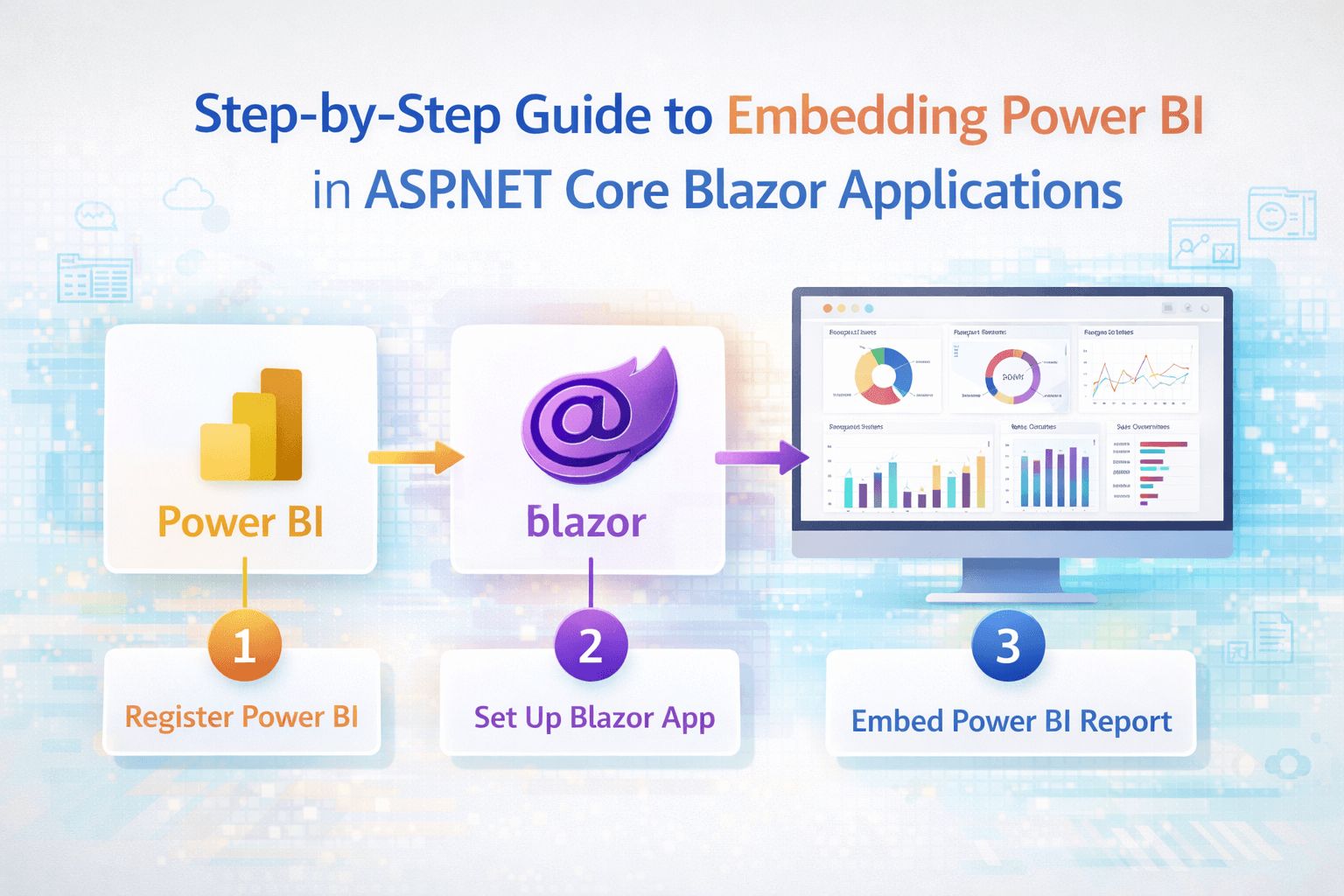
To embed a Power BI report in a Blazor app, you register a Microsoft Entra app (service principal), give it access to a Power BI workspace, and use it on the server to call the Power BI REST API for an embed token. The Blazor component then passes the report ID, embed URL and token to Microsoft's powerbi-client JavaScript library through JS interop, which draws the report inside a <div>. This "embed for your customers" approach means your users don't need their own Power BI licences, but production use requires a Power BI Embedded or Fabric capacity.
I'm a Microsoft Certified Trainer with the PL-300 Power BI certification, and I also build Blazor apps, so this is a combination I set up fairly often. Below is the minimal working pattern. Microsoft's "Embed Power BI content in an application for your customers" documentation is the reference for details and current licensing.
Which embedding scenario do you need?
Power BI offers two main patterns:
- Embed for your customers (app owns data): your app authenticates as a service principal and generates embed tokens. End users don't sign in to Power BI. Use this for customer-facing portals.
- Embed for your organisation (user owns data): each user signs in with their own Microsoft Entra account and needs a Power BI licence. Use this for internal apps.
This guide covers the first one.
What do you need before you start?
- A Power BI report published to a workspace in the Power BI service.
- A Microsoft Entra app registration with a client secret or certificate.
- The Power BI tenant setting that allows service principals to use Power BI APIs, enabled by an admin for a security group containing your app.
- Your service principal added to the workspace as a Member or Admin.
- For production, the workspace assigned to a capacity (Power BI Embedded A SKU or a Fabric F SKU). Without capacity, embed tokens are limited to development and testing.
- A Blazor Web App on .NET 8 or later, with the NuGet packages
Microsoft.Identity.ClientandMicrosoft.PowerBI.Api.
Store the tenant ID, client ID and secret in configuration (user secrets locally, Azure Key Vault in production), never in client code.
Step 1: How do you generate an embed token in C#?
Create a server-side service that gets an Entra access token and asks Power BI for an embed token. This is simplified to show the flow.
using Microsoft.Identity.Client;
using Microsoft.PowerBI.Api;
using Microsoft.PowerBI.Api.Models;
using Microsoft.Rest;

public record EmbedInfo(string ReportId, string EmbedUrl, string Token, DateTime Expiry);

public class PowerBiEmbedService(IConfiguration config)
{
    public async Task<EmbedInfo> GetEmbedInfoAsync(Guid workspaceId, Guid reportId)
    {
        var app = ConfidentialClientApplicationBuilder
            .Create(config["PowerBi:ClientId"])
            .WithClientSecret(config["PowerBi:ClientSecret"])
            .WithAuthority($"https://login.microsoftonline.com/{config["PowerBi:TenantId"]}")
            .Build();

        var aad = await app
            .AcquireTokenForClient(new[] { "https://analysis.windows.net/powerbi/api/.default" })
            .ExecuteAsync();

        using var client = new PowerBIClient(
            new Uri("https://api.powerbi.com"),
            new TokenCredentials(aad.AccessToken, "Bearer"));

        var report = await client.Reports.GetReportInGroupAsync(workspaceId, reportId);

        var request = new GenerateTokenRequestV2(
            reports: new List<GenerateTokenRequestV2Report> { new(reportId) },
            datasets: new List<GenerateTokenRequestV2Dataset> { new(report.DatasetId) },
            targetWorkspaces: new List<GenerateTokenRequestV2TargetWorkspace> { new(workspaceId) });

        var token = await client.EmbedToken.GenerateTokenAsync(request);

        return new EmbedInfo(report.Id.ToString(), report.EmbedUrl, token.Token, token.Expiration);
    }
}
Register it in Program.cs with builder.Services.AddScoped<PowerBiEmbedService>();. MSAL caches the Entra token for you, so you don't request a new one on every call.
Step 2: How do you add the Power BI JavaScript library?
Install powerbi-client from npm, or reference its dist/powerbi.min.js file, and include it in App.razor. Then add a small interop file, for example wwwroot/js/powerbi-embed.js:
window.embedPowerBiReport = (elementId, reportId, embedUrl, token) => {
  const models = window["powerbi-client"].models;
  const container = document.getElementById(elementId);

  window.powerbi.reset(container);
  window.powerbi.embed(container, {
    type: "report",
    id: reportId,
    embedUrl: embedUrl,
    accessToken: token,
    tokenType: models.TokenType.Embed,
    settings: { panes: { filters: { visible: false } } }
  });
};
Step 3: How do you show the report in a Blazor component?
JS interop needs the element to exist, so call it in OnAfterRenderAsync, and the component needs an interactive render mode.
@page "/sales-report"
@rendermode InteractiveServer
@inject IJSRuntime JS
@inject PowerBiEmbedService PowerBi

<div id="report-container" style="height: 640px;"></div>

@code {
    private static readonly Guid WorkspaceId = Guid.Parse("00000000-0000-0000-0000-000000000000");
    private static readonly Guid ReportId = Guid.Parse("00000000-0000-0000-0000-000000000000");

    protected override async Task OnAfterRenderAsync(bool firstRender)
    {
        if (!firstRender) return;

        var info = await PowerBi.GetEmbedInfoAsync(WorkspaceId, ReportId);
        await JS.InvokeVoidAsync("embedPowerBiReport",
            "report-container", info.ReportId, info.EmbedUrl, info.Token);
    }
}
With Interactive WebAssembly, the component can't hold the client secret. Expose a protected API endpoint on the server that returns EmbedInfo, and have the WebAssembly component call it with HttpClient. If you're unsure which mode to use, see Blazor render modes.
How do you show each user only their own data?
Use row-level security (RLS). Define roles in Power BI Desktop, then pass an effective identity when you generate the token, for example the logged-in customer's ID with the role name. Power BI filters the data for that token. Always derive the identity from your app's authenticated user on the server, never from a value sent by the browser.
How do you handle token expiry?
Embed tokens expire (the response includes the expiry time). For long sessions, generate a fresh token shortly before expiry and call report.setAccessToken(newToken) from JavaScript. The powerbi-client library also raises a tokenExpired event you can listen for.
What are the common errors?
- 401 or 403 from the REST API: the service principal isn't in the workspace, or the tenant setting for service principals isn't enabled for its security group.
- Report shows but no data, or a dataset error: the dataset ID wasn't included in the token request, or the service principal lacks permission on the dataset.
- "Embed token limit" messages: the workspace isn't on a capacity. That's fine for testing but not for production.
- Blank container: the JavaScript library didn't load, the interop ran before render, or the container has zero height.
Production concerns such as secrets, monitoring and hosting are covered in our Blazor production checklist. To build better reports to embed, see why DAX matters or join our Power BI training. Our Blazor training covers JS interop and authentication in depth.
FAQ
Do users need a Power BI licence to view an embedded report?
Not in the "embed for your customers" pattern. Your app authenticates with a service principal, but the workspace must be on a Power BI Embedded or Fabric capacity for production use.
Can I embed Power BI in Blazor WebAssembly?
Yes. Generate the embed token on a server API and return it to the WebAssembly app. Never put the service principal secret in the WebAssembly client.
What is a Power BI embed token?
A short-lived token, generated through the Power BI REST API, that grants access to specific reports and datasets for embedding.
How do I filter an embedded report per user?
Use row-level security roles in the dataset and pass an effective identity when generating the embed token on the server.
Is "Publish to web" a safe alternative?
No, not for private data. Publish to web makes a report publicly accessible to anyone with the link and is meant only for public data.