Step-by-Step Guide to AdaBoost Binary Classification in C#

Gulab Chand Tejwani
PMP · PL-300 · Microsoft Certified Trainer
· 6 min read
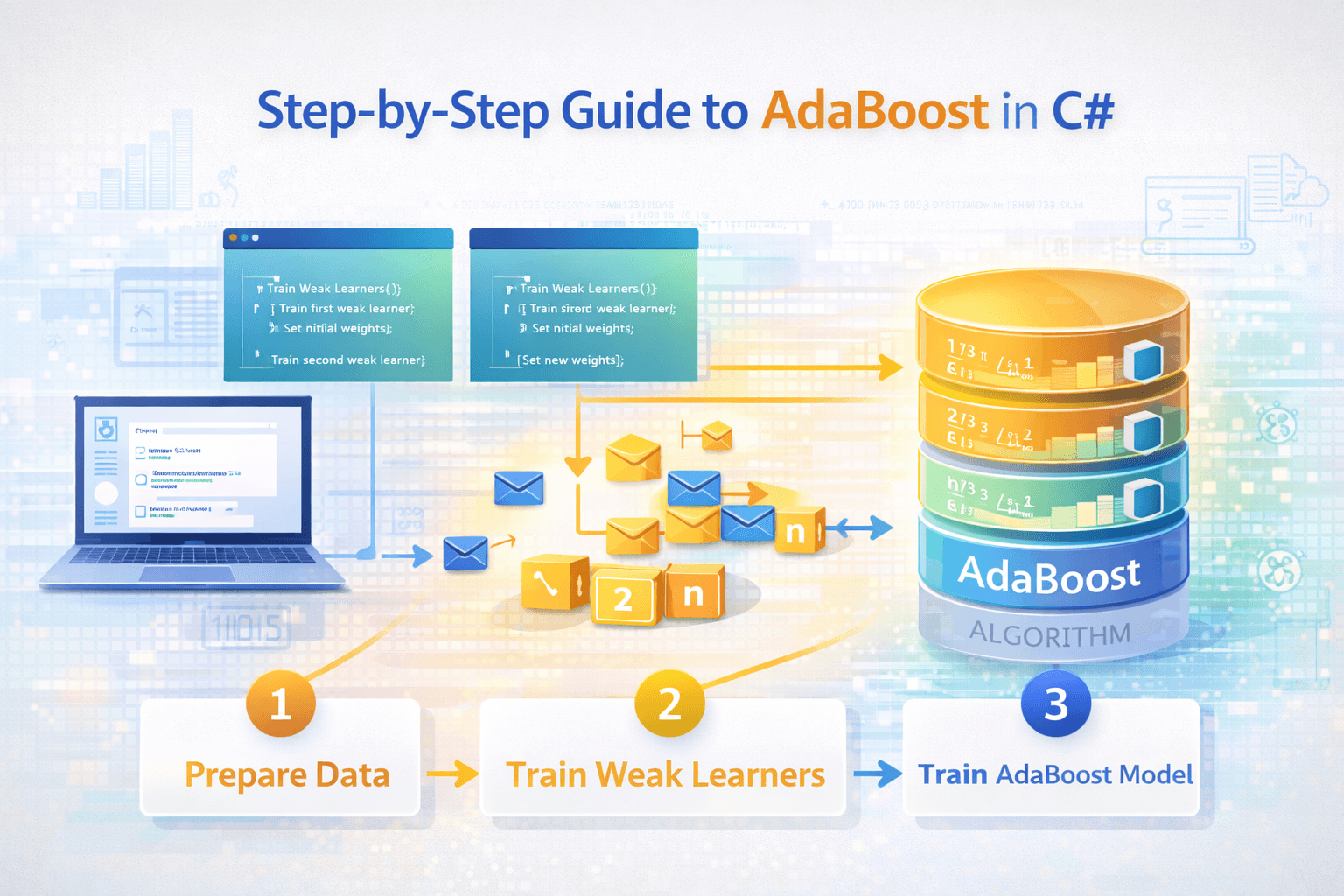
AdaBoost (Adaptive Boosting) is an ensemble algorithm that builds a strong binary classifier out of many weak ones, usually one-level decision trees called decision stumps. It trains them one after another, increases the weight of training examples the previous learners got wrong, and gives each learner a vote weighted by its accuracy. In C# you can implement it in about 80 lines without any library, which is the best way to understand what it's doing.
I first wrote this post using the Accord.NET library. Accord.NET is no longer maintained, and some snippets in that version didn't match its API, so I've replaced them with a small self-contained implementation you can paste into a console app and run.
What is AdaBoost and how does it work?
Yoav Freund and Robert Schapire introduced AdaBoost in the mid-1990s, and their work later won the 2003 Gödel Prize. For binary labels of -1 and +1, the algorithm is:
- Give every training example the same weight, 1/n.
- Train a weak learner that minimises the weighted error.
- Compute its vote weight: alpha = ½ ln((1 − error) / error). Accurate learners get bigger votes.
- Increase the weights of misclassified examples and decrease the others, then normalise so they sum to 1.
- Repeat for a set number of rounds.
- Predict with the sign of the weighted sum of all learners' votes.
A weak learner only has to do better than random guessing (error below 0.5) for boosting to help.
Step 1: How do you write a decision stump in C#?
A decision stump checks one feature against one threshold. Training tries every feature, threshold and direction, and keeps the one with the lowest weighted error.
public sealed class DecisionStump
{
    public int Feature { get; private set; }
    public double Threshold { get; private set; }
    public int Polarity { get; private set; } = 1;

    public int Predict(double[] x) =>
        Polarity * (x[Feature] < Threshold ? -1 : 1);

    public static (DecisionStump Stump, double Error) Fit(
        double[][] X, int[] y, double[] w)
    {
        var best = new DecisionStump();
        double bestError = double.MaxValue;

        for (int f = 0; f < X[0].Length; f++)
        {
            foreach (double t in X.Select(row => row[f]).Distinct())
            {
                foreach (int polarity in new[] { 1, -1 })
                {
                    double error = 0;
                    for (int i = 0; i < X.Length; i++)
                    {
                        int pred = polarity * (X[i][f] < t ? -1 : 1);
                        if (pred != y[i]) error += w[i];
                    }

                    if (error < bestError)
                    {
                        bestError = error;
                        best = new DecisionStump { Feature = f, Threshold = t, Polarity = polarity };
                    }
                }
            }
        }

        return (best, bestError);
    }
}
Step 2: How do you implement the AdaBoost loop?
public sealed class AdaBoostClassifier
{
    private readonly List<(DecisionStump Stump, double Alpha)> _learners = new();

    public void Fit(double[][] X, int[] y, int rounds = 50, double learningRate = 1.0)
    {
        int n = X.Length;
        var w = Enumerable.Repeat(1.0 / n, n).ToArray();

        for (int m = 0; m < rounds; m++)
        {
            var (stump, error) = DecisionStump.Fit(X, y, w);
            error = Math.Clamp(error, 1e-10, 1 - 1e-10);
            if (error >= 0.5) break; // no better than chance

            double alpha = learningRate * 0.5 * Math.Log((1 - error) / error);
            _learners.Add((stump, alpha));

            double sum = 0;
            for (int i = 0; i < n; i++)
            {
                w[i] *= Math.Exp(-alpha * y[i] * stump.Predict(X[i]));
                sum += w[i];
            }
            for (int i = 0; i < n; i++) w[i] /= sum;
        }
    }

    public double Score(double[] x) => _learners.Sum(l => l.Alpha * l.Stump.Predict(x));

    public int Predict(double[] x) => Score(x) >= 0 ? 1 : -1;
}
The weight update is the core of the method. When a stump is right, y[i] * prediction is +1 and the weight shrinks. When it's wrong, the product is -1 and the weight grows, so the next stump pays more attention to that example.
Step 3: How do you train and evaluate the model?
Labels must be -1 or +1. Always measure accuracy on data the model didn't train on.
double[][] trainX = { new[] { 2.0, 1.0 }, new[] { 1.5, 2.0 }, new[] { 3.0, 3.5 }, new[] { 4.0, 3.0 } };
int[] trainY = { -1, -1, 1, 1 };

double[][] testX = { new[] { 1.8, 1.2 }, new[] { 3.6, 3.2 } };
int[] testY = { -1, 1 };

var model = new AdaBoostClassifier();
model.Fit(trainX, trainY, rounds: 30);

double accuracy = testX
    .Select((x, i) => model.Predict(x) == testY[i] ? 1.0 : 0.0)
    .Average();

Console.WriteLine($"Test accuracy: {accuracy:P1}");
On real data, look beyond accuracy, especially with imbalanced classes. Compute precision, recall and a confusion matrix. Score gives a continuous value you can threshold differently if false negatives cost more than false positives.
How do you tune AdaBoost?
- Number of rounds: more rounds fit the training data more closely. Track accuracy on a validation set and stop when it stops improving.
- Learning rate (shrinkage): values below 1.0 shrink each learner's vote, which usually needs more rounds but often generalises better.
- Weak learner strength: stumps are the classic choice. Slightly deeper trees can capture feature interactions but overfit faster.
- Cross-validation: split the data into k folds, train on k − 1 and test on the remaining fold, and average the results. It's more reliable than a single split on small datasets.
Where is AdaBoost used, and what are its limits?
AdaBoost became famous through the Viola-Jones face detector (2001), which used boosted simple features for real-time detection. It's also used as a baseline in tabular tasks such as fraud flags, churn prediction and credit scoring.
Its main weakness is sensitivity to noisy labels and outliers. Mislabelled examples keep getting heavier weights, and the model bends to fit them. This naive stump search is also slow on large datasets. For production .NET work, ML.NET's FastTree and LightGBM trainers (gradient-boosted trees) are usually faster and more accurate, and they're actively maintained.
If you're building .NET apps around models like this, our Blazor training covers the application side, and our Python training covers scikit-learn, whose AdaBoostClassifier is the standard reference implementation. For the data preparation that matters more than the algorithm, see our data analysis course.
FAQ
What is AdaBoost in simple terms?
An algorithm that combines many simple classifiers into one strong classifier by training them in sequence, each focusing more on the examples the previous ones got wrong.
Does ML.NET include AdaBoost?
ML.NET doesn't ship an AdaBoost trainer. It offers gradient-boosted tree trainers such as FastTree and LightGBM, which are related boosting methods.
Is Accord.NET still maintained?
No. The Accord.NET project has been archived, so it's better to use ML.NET or a small custom implementation for new projects.
Does AdaBoost overfit?
It can, especially with noisy labels or too many rounds. Use a validation set or cross-validation to choose the number of rounds and learning rate.
What labels does AdaBoost use?
The classic formulation, used in this guide, uses -1 and +1 for the two classes.